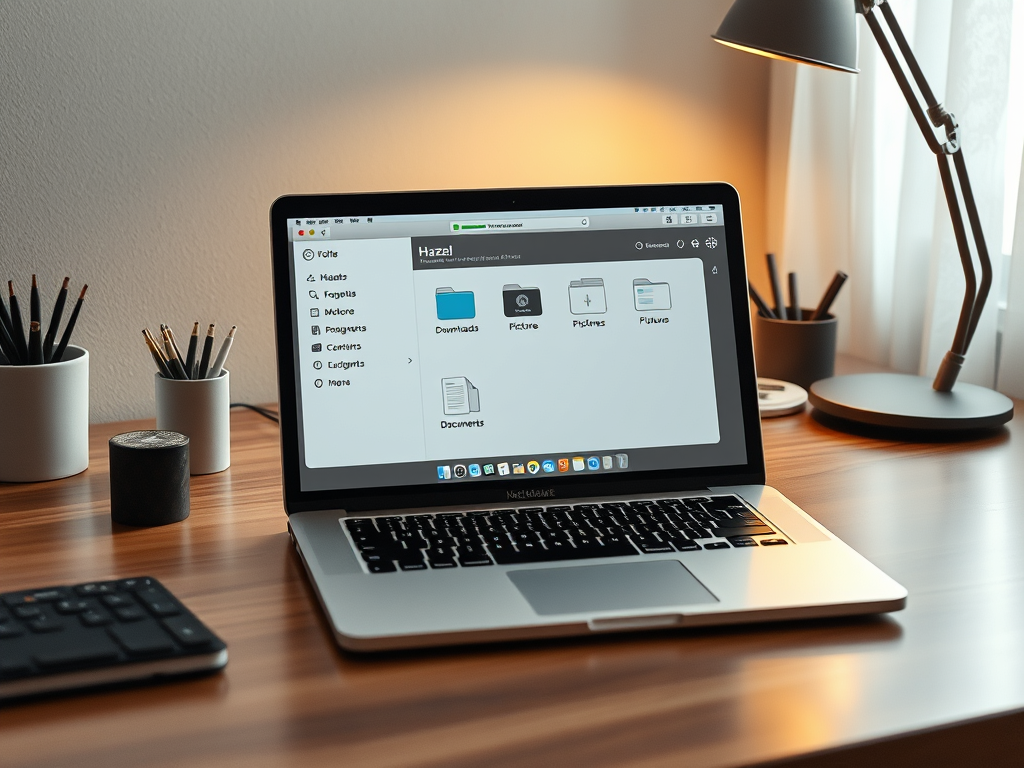
Ah, Hazel! Think of it as your Mac’s personal housekeeper - but instead of dusting shelves and doing laundry, it organizes your digital life automatically. Let me break down what makes this app so powerful.
At its core, Hazel is an automation tool that watches folders on your Mac and performs actions based on rules you create. Imagine having a super-diligent personal assistant who sits at your desk 24/7, constantly monitoring specific folders and handling files exactly the way you want them handled.
Here’s where it gets interesting - Hazel can do things like:
- Clean Up Your Downloads Folder
- Remember how your Downloads folder tends to become a digital junk drawer? Hazel can automatically sort downloads based on file type - moving images to your Pictures folder, documents to Documents, and so on. It’s like having a meticulous librarian who never takes a break.
- Manage Your Trash
- Instead of manually emptying your trash, Hazel can automatically delete files that have been sitting in there for a specified time. Think of it as a self-cleaning garbage can - items that have been in there for, say, 30 days, just disappear on their own.
- Handle Software Uninstallation
- When you drag an app to the trash, it often leaves behind support files scattered across your system. Hazel’s “App Sweep” feature is like a thoughtful cleaning service that notices when you’re throwing away an app and offers to clean up all the associated files too.
- Create Complex Organization Systems
- This is where Hazel really shines. You can create sophisticated rules based on file names, dates, tags, content, and more. For instance, you could tell Hazel “If a PDF contains the word ‘invoice’ and was created today, move it to my ‘Expenses’ folder and tag it as ‘Finance’.” It’s like having a personal secretary who knows exactly how you like your files organized and never makes a mistake.
The beauty of Hazel is that once you set up your rules, it works tirelessly in the background, keeping your Mac organized without you having to think about it. It’s like setting up a series of dominos - once you’ve arranged them properly, you can just let them fall and watch the magic happen.
And here’s a pro tip: Hazel really shines when you use it to automate repetitive tasks. If you find yourself doing the same file management tasks over and over, that’s your cue to create a Hazel rule for it. Your future self will thank you!
