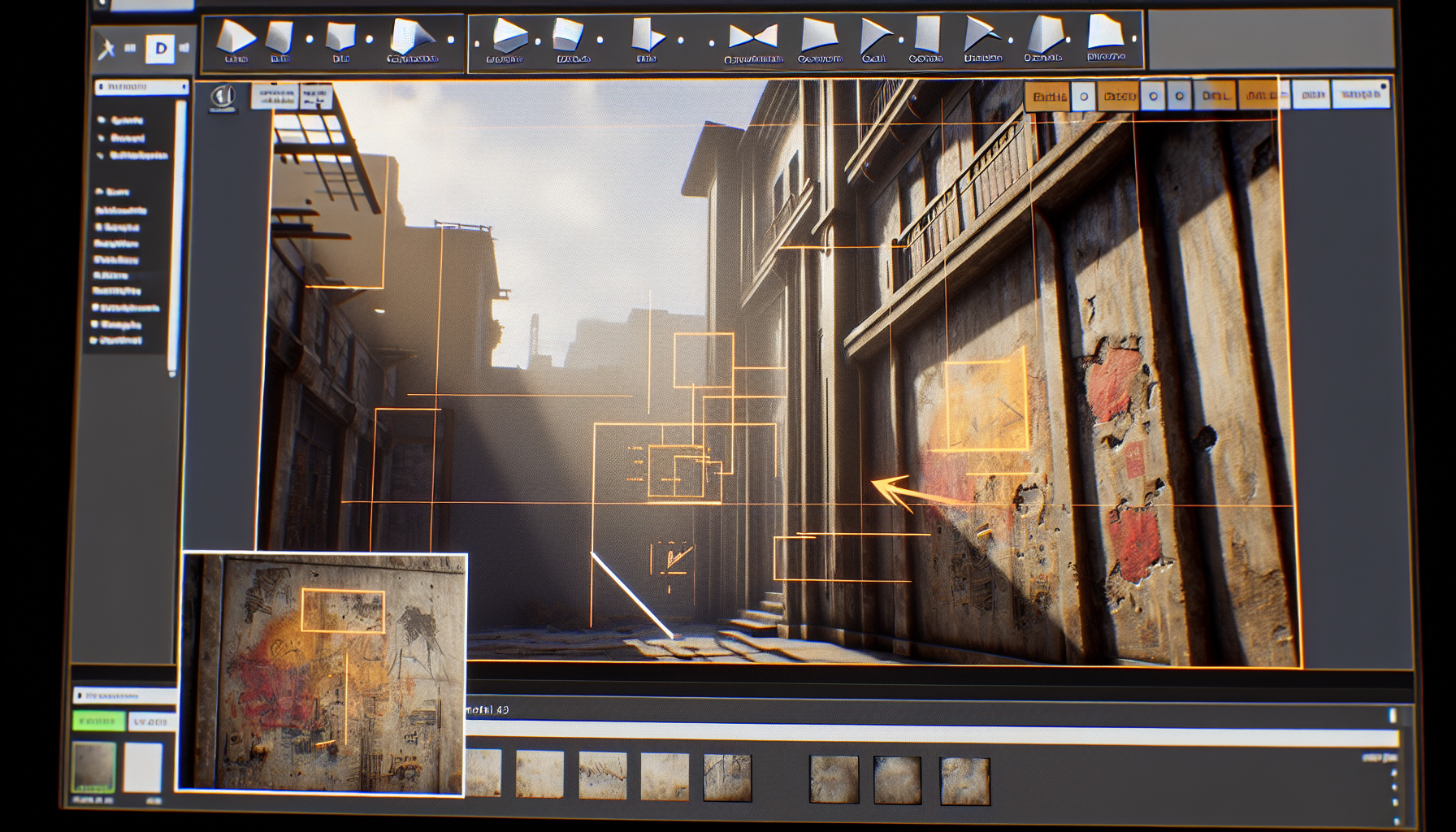
Ah, Decal Actors in Unreal Engine. These are the unsung heroes that bring zest to your scenes, the equivalent of stickers in the digital playground of game design. Sure, they might not get the fanfare of those flashy particle effects or the deep reverence we hold for dynamic lighting, but decals? They’re like the reliable condiments of the 3D world. You don’t always notice them, but boy, do they spice things up when you do!
What are Decal Actors?
For those not in the know, Decal Actors in Unreal Engine are essentially the graffiti artists of the virtual world. They let you slap textures onto surfaces like a rebellious teenager with a spray can, but with far more sophistication and none of the legal repercussions. Want to add blood splatters to a wall, tire tracks on a road, or mystical runes on an ancient tomb? Decal Actors are your go-to tool.
The Magic of Decal Actors: A Sticking Point
- Versatility is Key: Decals are the Swiss Army knives of texturing in Unreal Engine. They allow you to apply detailed images or patterns on objects and architectures without permanently altering the base materials. This means you can add or change designs without having to rework your entire texture library—like putting on temporary tattoos that you can flaunt or regret at your next party.
- Subtle Art of Realism: These nifty tools can add realism to your environments with minimal effort. A scuff here, a scratch there, and suddenly your pristine virtual world looks lived-in and authentic. It’s the difference between a showroom car and one that’s actually braved the shopping mall parking lot.
- Dynamic Interaction: Not only can decals statically decorate a scene, but they can also dynamically respond to events within the game world. Imagine a shootout in an old saloon where each bullet marks its passage with a poignant reminder on the woodwork. It’s visual storytelling, one splinter at a time.
Best Practices for Using Decal Actors
While Decal Actors can do wonders for your scene’s aesthetics, there’s an art to using them effectively:
- Less is More: It’s tempting to go wild with decals, but overuse can turn your scene into a visual cacophony that screams “garage sale” rather than “art gallery”. Use them sparingly to enhance, not overwhelm.
- Mind the Performance: Decals are like the delicious toppings on your digital sundae. Too many, and you might just bog down your performance. Monitor their impact, especially in scenes already heavy with effects.
- Placement Perfection: Placing decals requires a keen eye. They need to blend seamlessly with the environment to enhance realism, not float awkwardly like a misplaced toupee. Adjust their orientation and scaling to ensure they truly belong.
Decal Actors: The Unsung Heroes of Texture
In conclusion, Decal Actors in Unreal Engine might just be the most exciting feature you’re not using enough. They’re the perfect blend of practicality and creativity, capable of transforming bland surfaces into intricate narratives with just a few clicks. So next time you’re cruising through Unreal Engine, give a little nod to Decal Actors, the humble heroes making sure your virtual worlds stick in the minds of your audience.
Remember, in the realm of digital design, it’s often the little things—like a well-placed decal—that leave a lasting impression.
