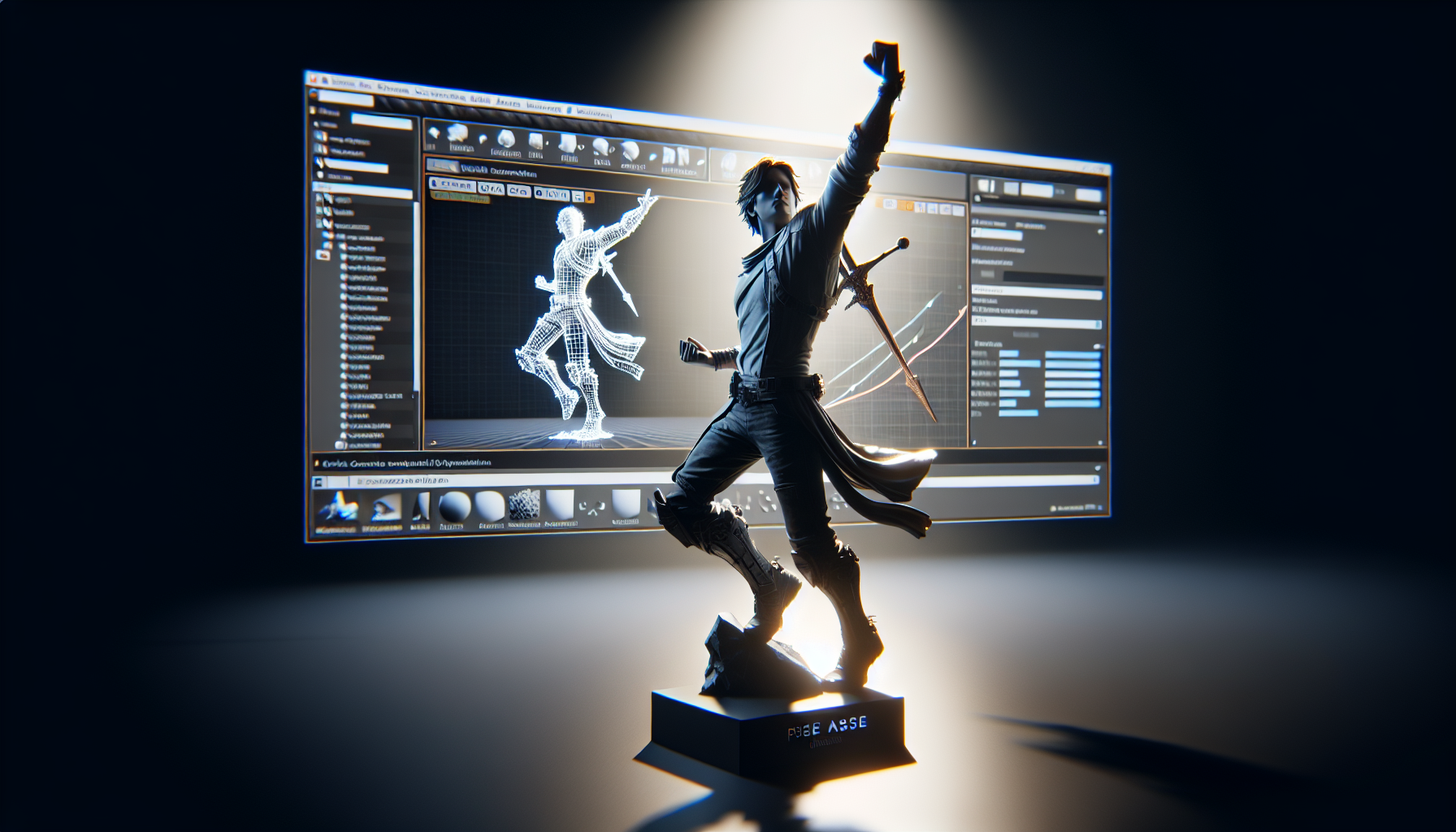
Welcome to the arcane artistry of creating Pose Assets in Unreal Engine, where we learn to freeze time, or at least freeze our characters mid-action like a game of digital Red Light, Green Light. Whether you’re aiming to capture the perfect sneer on your villain’s face or need your hero to strike a triumphant pose without breaking into a sweat, Pose Assets are your go-to toolkit. Let’s dive into the nitty-gritty of stopping your characters in their tracks—artistically, of course.
Why Pose Assets? Because Stillness Speaks Volumes
In the bustling world of game animations, sometimes what you need most is a good pause. Pose Assets allow you to capture and hold specific frames of animation, which can be pivotal for facial animations, quick reactions, or those dramatic moments that games and films are known for. They’re like the high-res snapshots of your animation sequence—perfect for when motion blur just won’t do.
Step-by-Step: Creating a Pose Asset
Creating a Pose Asset in Unreal Engine isn’t just about clicking and saving. It’s about selecting the right moment, the perfect frame that conveys an emotion or action. Here’s how to immortalize that moment:
- Choose Your Frame:
- Start by scrubbing through an Animation Sequence in Unreal’s Animation Editor. Looking for that peak dramatic expression or the exact stance where your character looks most heroic? That’s your frame.
- Right-Click to Create:
- Once you’ve found your frame, right-click on the Animation Sequence from the Content Browser and select the ‘Create Pose Asset’ option. It’s like telling Unreal, “Yes, this one. This is where magic happens.”
- Name and Tame Your Poses:
- By default, Unreal will spit out a Pose Asset with generically named poses. Now’s your chance to give them names that mean something, like ‘VillainSneer’ or ‘HeroicLeap’. Remember, naming things is half the fun and all of the organization.
- Adjusting Weights in the FacePose Panel:
- Open your new Pose Asset and start playing with the weights in the FacePose Panel. This is where you fine-tune the intensity of your pose, making your characters as subtle or as exaggerated as you need them to be.
From Still Frame to Living Motion: Using Your Pose Asset
With your Pose Asset created, it’s time to put it to work:
- Preview and Tweak:
- Ensure your Pose Asset is set for preview, then dive back into the Animation Blueprint. Here, you can add a Variable Curve to your animations that need this Pose Asset, driving the value of pose weights and breathing life back into the stillness.
- Runtime Ready:
- To see your poses come to life in-game, make sure to include a PoseAsset node in your Anim Blueprint. This node is the bridge between your static pose and dynamic gameplay.
Tips for Pose Perfection
- Keep It Clean: When dealing with multiple poses, especially for facial animations, organization is key. Keep your Pose Assets tidy and well-named to avoid a digital mess.
- Balance Is Key: When blending poses with ongoing animations, watch for unnatural movements. It’s a dance of weights and timings, and the right balance can make or break a scene.
- Test Extensively: What looks good in the editor might behave differently in-game. Test your Pose Assets under various conditions to ensure they hold up under the gaming spotlight.
Conclusion: The Power of a Pause
In the rush of game development, taking the time to create and use Pose Assets might seem like a luxury, but it’s one that pays off in emotional depth and visual clarity. By freezing frames and controlling expressions with precision, you elevate your game’s narrative and aesthetic, one pose at a time. So go ahead, capture those moments, and let your characters do the talking—even when they’re perfectly still.
