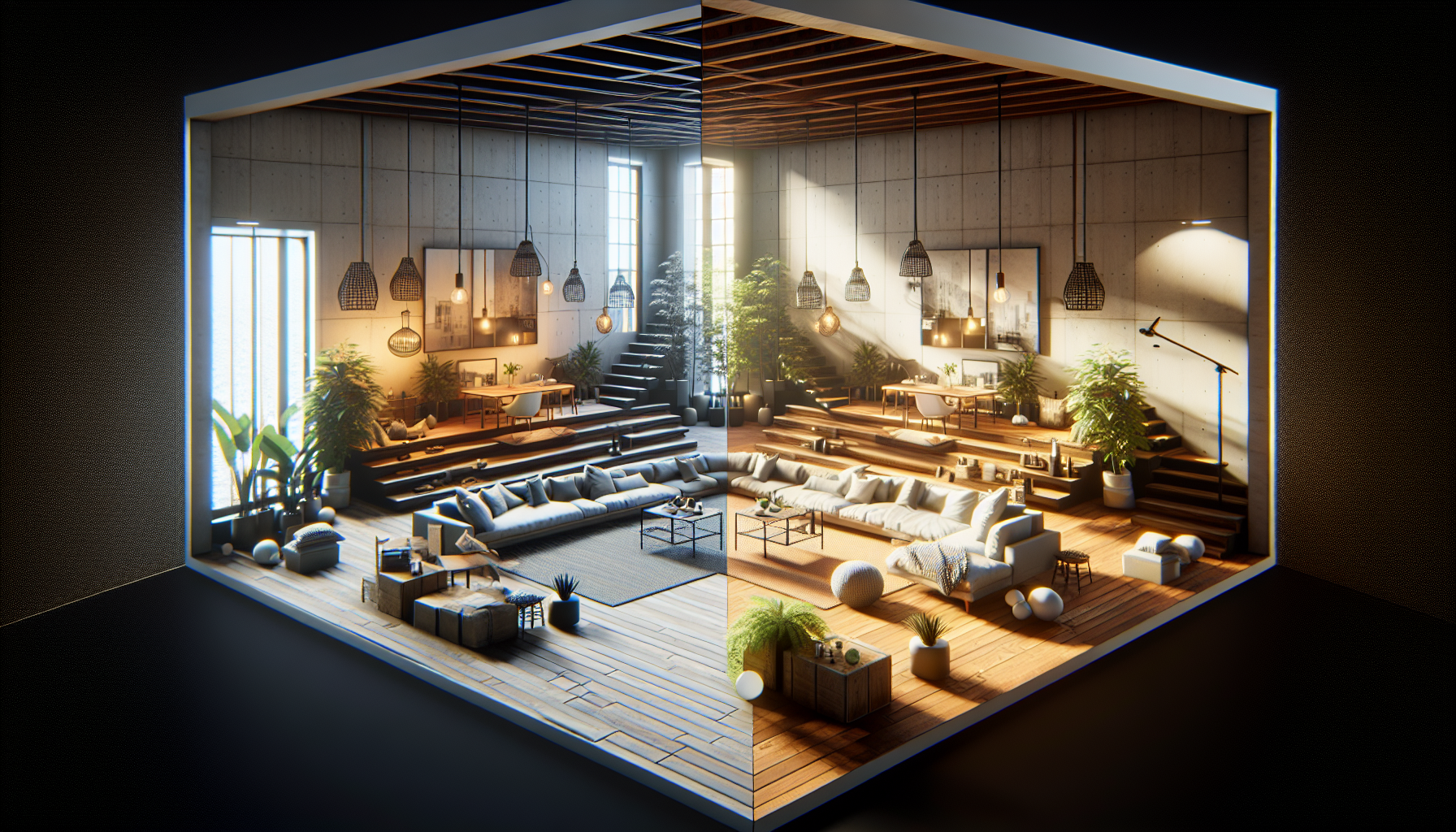
In the dynamic world of digital creation where change is the only constant, Unreal Engine’s Scene Variants come as a savior for artists and developers looking to showcase multiple versions of their masterpieces without the hassle of managing numerous separate files. Imagine being able to switch between day and night lighting, different seasonal decor, or various product designs with just a few clicks. That’s the magic of Scene Variants! Today, we dive into the nuts and bolts of working with Scene Variants, transforming your project into a versatile showcase that’s ready to adapt on the fly.
What Are Scene Variants?
Think of Scene Variants like those choose-your-own-adventure books, but for your Unreal Engine projects. They allow you to create different configurations of a scene using the same assets. Whether you’re adjusting material properties, toggling visibility of objects, or switching configurations, Scene Variants let you handle all these changes seamlessly within a single scene setup.
Setting the Scene: How Scene Variants Work
Scene Variants are not just about changing the color of a sofa or turning the lights on and off. They encapsulate a powerful way to present multiple versions of a scene, all neatly packed within a singular framework, using something called the Variant Manager.
- Variant Manager: This is your control panel. Here, you can create and manage different variants of your scene, each containing a set of changes or overrides to the properties of objects in your scene.
- Creating Variants: Start by defining different states of objects, like positioning, materials, and other properties. Each variant can store unique values for these properties, enabling you to switch between different setups quickly.
- Activation: Switching between variants is a breeze. Activating a variant applies all the changes associated with it to the scene, instantly transforming your scene to match the desired configuration.
Best Practices for Working with Scene Variants
- Plan Your Variants: Before diving into creating variants, plan what variations you need. Whether it’s different aesthetic styles, environmental settings, or functional layouts, having a clear plan will streamline the creation process.
- Keep It Organized: Use meaningful names and maintain a logical structure in your Variant Manager. This helps in easily navigating through different variants, especially when working on complex scenes with multiple options.
- Leverage Presets: For properties that change frequently across different variants, consider using presets. This can reduce redundancy and simplify adjustments across multiple variants.
- Test Performance: While Scene Variants are incredibly powerful, they can become resource-intensive if not managed properly. Regularly test the performance impacts of your variants, especially when dealing with high-resolution textures or complex animations.
Potential Pitfalls and How to Avoid Them
- Overloading a Single Scene: While it’s tempting to cram every possible variation into a single scene, this can lead to performance bottlenecks. Use variants judiciously and ensure that each variant is optimized for performance.
- Conflicts Between Variants: Sometimes, changes in one variant can unintentionally affect others, especially if they share common elements. Keep a close check on the dependencies between variants to avoid such conflicts.
- Complexity in Management: As the number of variants increases, so does the complexity of managing them. Regularly review and refactor your variants setup to keep it manageable.
Conclusion: Scene Variants, a Game Changer
Scene Variants in Unreal Engine are like having a Swiss Army knife for your project setups; they equip you with the flexibility to showcase diverse configurations without multiplying your workload. By mastering Scene Variants, you can not only impress clients with quick changes during presentations but also experiment with different creative ideas without the fear of cluttering your project files. Embrace the power of choices with Scene Variants and watch your Unreal Engine projects transform with just a few clicks, ready to adapt and impress at a moment’s notice. So go ahead, spin the wheel of variants, and let your scenes come alive in ways you never imagined!
