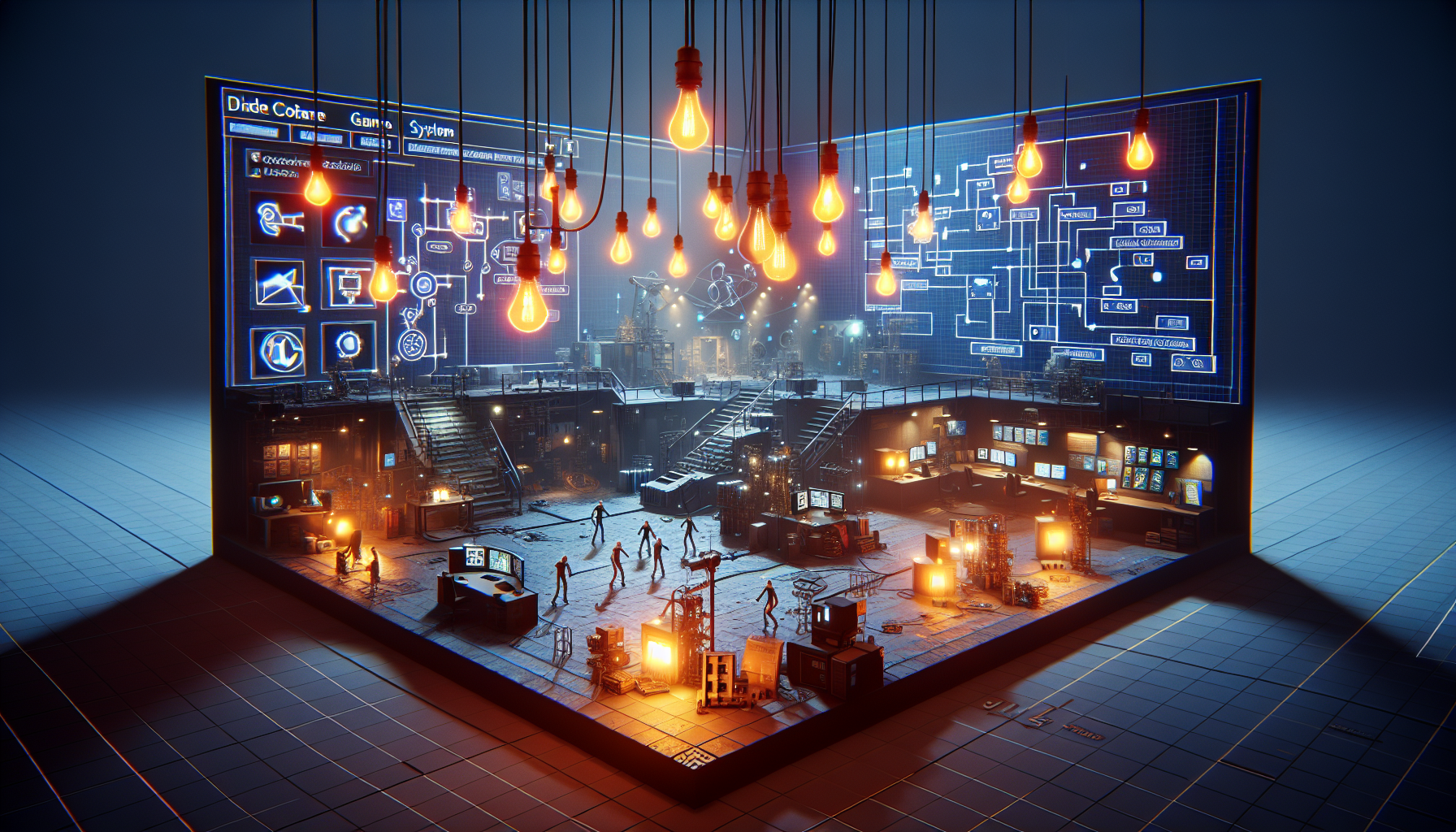
Greetings, digital explorers and creators! Let’s embark on a linguistic adventure through the world of Unreal Engine, decoding the jargon that might befuddle even the savviest among us. Ever found yourself scratching your head, wondering, “What in the world is an Actor?” or “What magic does a Component perform?” Well, fear not! We’re diving into the core concepts and terminology of Unreal Engine, ensuring you’re fluent in the language of this powerful platform.
Understanding the Basics: Projects and Blueprints
First off, every great creation in Unreal begins with a Project. Think of it as your digital workspace, containing all the essentials like Blueprints, Materials, and that all-important .uproject file, which is your golden key to open, save, or create within the engine.
Speaking of Blueprints, let’s unravel that mystery next. Blueprints in Unreal Engine aren’t what architects carry; they’re a powerhouse gameplay scripting system. Using a node-based interface, they allow you to craft intricate gameplay elements without typing a single line of code. Imagine drawing your logic with lines and boxes—that’s Blueprint for you!
The Building Blocks: Objects and Actors
At the heart of Unreal Engine’s functionality are Objects—the most fundamental class from which everything else derives. These are the building blocks of your Unreal projects, containing essential functionalities and serving as the base for more complex structures.
And when you’re ready to get those objects doing something interesting in your digital world, you meet the Actors. Actors are any objects that can be placed into a level; they’re the characters, props, and scenery that bring your scenes to life. They can move around, interact, and even be spawned or destroyed at your whim during gameplay.
Lighting the Scene: The Light Mixer
Now, let’s shine a light on one of the more dazzling tools in Unreal Engine—the Light Mixer. This feature is like the control center for all the lights in your scene. Whether you’re setting a spooky mood with dim lighting or mimicking a bright sunny day, the Light Mixer lets you adjust the intensity, color, and placement of your lights with just a few clicks. It’s your digital lighting board, ensuring every corner of your scene is perfectly illuminated.
Bringing Worlds to Life: Environment and Atmosphere
But what about the environment around your actors? That’s where Fog Effects and Atmosphere settings come into play. Adjusting these can transform a plain scene into a foggy morning in London or an alien planet with a mysterious glow. Unreal Engine gives you the tools to tweak how light interacts with the fog and atmosphere, creating dynamic environmental effects that respond to the movements and actions within the game.
Dive Deeper Into the Technical Realm
For those who want to dive deeper, Unreal Engine’s terminology includes detailed concepts like Pawn, Character, and Player Controller—each adding layers of interactivity and control to your games. Pawns are your avatars in the game world, controlled by players or AI, and Characters are specialized Pawns designed for player-controlled action, complete with built-in capabilities for movement and interaction.
Wrapping Up
So, whether you’re a seasoned developer or a curious newcomer, understanding the language of Unreal Engine is your first step toward mastering its vast capabilities. From the foundational Objects and dynamic Actors to the atmospheric tweaks available through the Light Mixer, each term you learn is a tool in your creative arsenal, a spell in your digital spellbook.
With this knowledge, you’re not just playing a game; you’re crafting worlds, telling stories, and bringing visions to life. So, go forth, use these terms wisely, and transform the virtual landscapes before you!
