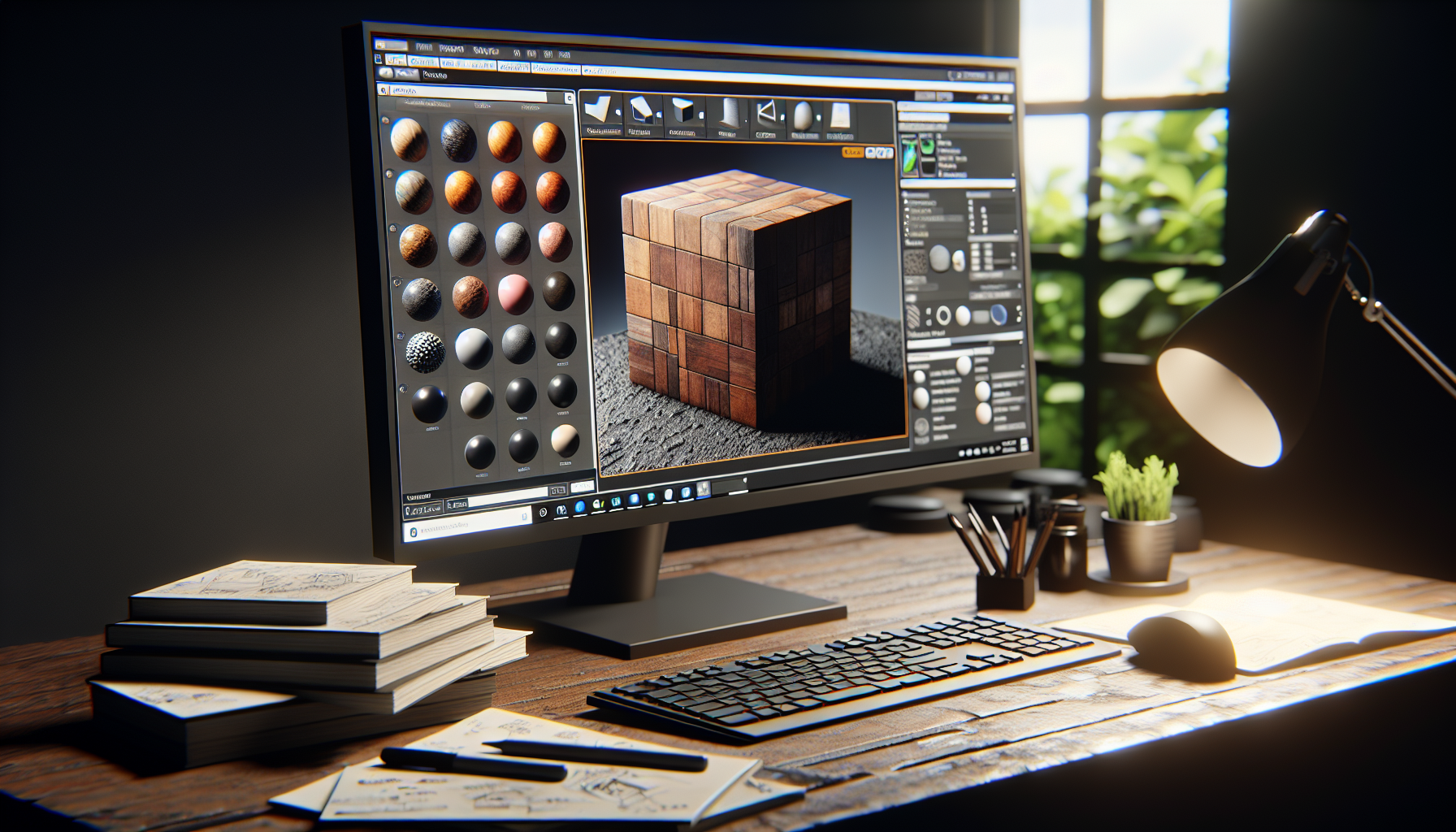
In the grand tapestry of Unreal Engine, where every pixel counts and the devil really is in the details, two heroes emerge in the quest for visual fidelity: Textures and Materials. Though often whispered in the same breath and used interchangeably by the uninitiated, these two are as distinct as chalk and cheese, each playing a pivotal role in dressing up your digital worlds. Today, let’s demystify these two, breaking down their differences, synergies, and why understanding both is crucial to crafting visually stunning scenes.
Textures: The Digital Canvas
Imagine you’re a painter, and you’ve just stretched a fresh canvas on your easel, ready to capture a burst of inspiration. In Unreal Engine, textures are your canvas. They are the raw images — be they photographs, drawings, or computer-generated patterns — that wrap around your 3D models to give them color, detail, and, frankly, life.
Characteristics of Textures:
- Flat and 2D: Textures are inherently two-dimensional. They can be vast landscapes painted on a flat surface or intricate designs meant to mimic real-world surfaces like wood grain or marble.
- Pixel-Based: Made up of pixels, the resolution of a texture directly affects its quality. Higher resolution means more detail but also more memory usage.
- Versatile Use: Textures aren’t just for looks. They can encode data for various uses, such as bump mapping, displacement mapping, or even storing non-visual data like material properties.
Materials: The Alchemists of Unreal Engine
Now, imagine that instead of using your paints directly on the canvas, you have a set of magical concoctions that transform these colors and patterns into dynamic, interactive surfaces that react to light and shadow. Welcome to the world of materials in Unreal Engine.
Characteristics of Materials:
- Dynamic and 3D: Materials are the rules and behaviors that dictate how textures appear on a 3D surface under various lighting conditions. They make textures come alive.
- Shader-Based: Materials in Unreal Engine are essentially shaders — complex algorithms that define how surfaces interact with light based on the textures and mathematical formulas.
- Interactive: Materials can change in response to game events or environmental factors. They can become wet, icy, or even emit light, adapting dynamically to the game world.
When Textures Meet Materials: A Visual Symphony
The magic happens when textures and materials come together. Here’s how they collaborate:
- Texture as Input: Textures serve as inputs in a material’s shader algorithms. A wood texture, when plugged into a material, determines the material’s color and pattern, but it’s the material that makes that wood appear glossy, matte, or weathered.
- Enhancing Realism: By applying a material to a texture, you control not just how a surface looks, but how it behaves. Does it reflect light like a polished marble statue or absorb light like velvet? Materials make this distinction possible.
- Optimization: While textures provide the detail, materials can optimize how these details are rendered. Using material properties, developers can ensure that visuals look stunning without draining resources, balancing beauty with performance.
Tips for Using Textures and Materials Effectively
- High-Quality Textures: Start with high-resolution textures for best results, but also consider the performance impact. Use texture compression and mipmaps to optimize.
- Material Libraries: Build a library of reusable materials that can interact with different textures to create varied effects. This saves time and maintains consistency across your project.
- Experiment: The real power of materials lies in experimentation. Don’t be afraid to mix different textures and material properties to achieve unique effects.
Conclusion: The Dance of Light and Texture
Understanding the nuanced roles of textures and materials in Unreal Engine is akin to mastering the art of illusion in digital content creation. Textures provide the raw visual information, and materials dictate how these visuals adapt to the environment, creating a dance of light and texture that can bring your digital world to life.
So, whether you’re crafting a sunlit forest floor or a moonlit alien landscape, remember: textures and materials are your tools to weave visual magic in Unreal Engine.
