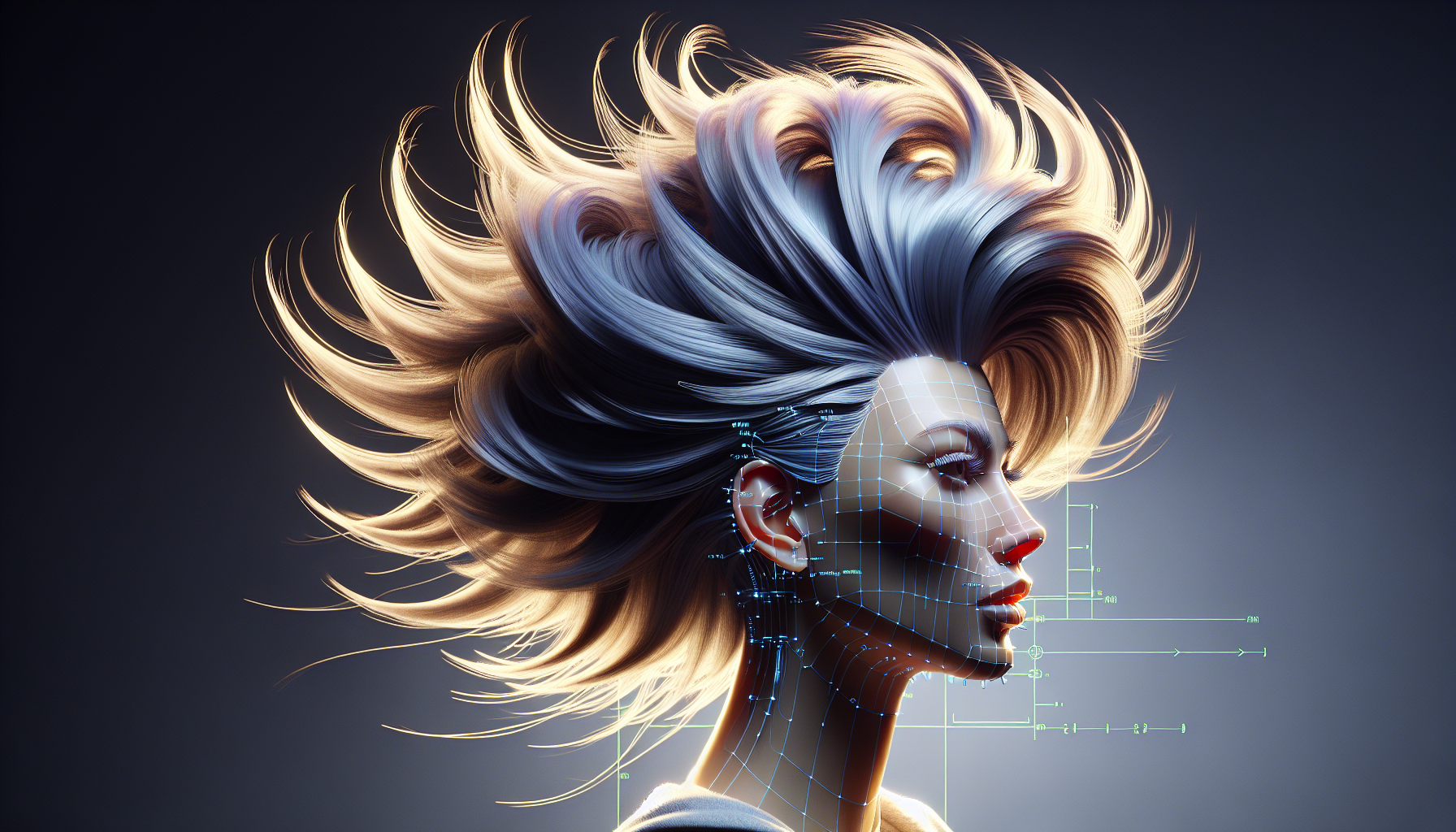
Ah, hair! That crowning glory or bane of existence (depending on the humidity), not just for us mortals but for any digital character daring enough to sport a ‘do in Unreal Engine. Navigating the complexities of hair in Unreal Engine can sometimes feel like trying to comb through a woolly mammoth with a toothpick. But fear not, intrepid developers and designers, for today we shall unravel the tangled mysteries of hair simulation and rendering in this powerful platform.
The Root of the Matter: Why Hair in Unreal Engine?
Why bother with digital hair, you ask? Well, aside from saving countless heroes from the embarrassment of baldness, realistic hair can elevate your characters from mannequin-like stiffness to dynamic, wind-swept icons. Unreal Engine, with its robust tools for hair rendering and simulation, offers you the chance to bring lifelike quality to those luscious locks or gravity-defying spikes.
The Mane Features: Hair Rendering and Simulation
Let’s split some hairs about the main features Unreal Engine offers to get those strands in line:
- Groom Asset Creation: Like a high-end salon, everything starts with the creation of a groom asset. This involves designing the hairstyle in a DCC (Digital Content Creation) tool, such as XGen or Yeti, and then exporting it into Unreal Engine. The process is somewhat like making spaghetti—long, tedious, and you hope it doesn’t end up a tangled mess.
- Alembic for Grooms: Unreal Engine uses Alembic files to import those meticulously styled grooms. Alembic, for the uninitiated, is not just a historic vessel for carrying water, but a geometry cache format that Unreal uses to ensure your character’s hair doesn’t look like it just stuck a fork in an electrical socket.
- Physics and Movements: What’s hair without a little wind? Unreal Engine’s hair simulation capabilities allow your characters’ hair to move and react realistically to their environment, whether they’re sprinting through a battlefield or caught in a gentle breeze. It’s all about adding that cinematic flair without having them look like they’re perpetually in a shampoo commercial.
- Rendering Techniques: With support for advanced rendering techniques like strand-based hair rendering, Unreal ensures that each hair strand is rendered with enough detail to make even the most luxurious hair commercial director green with envy.
Best Tressed Tips: How to Get Unreal Hair Right
- Keep It Real(istic): Remember, the goal is believability, not turning every character into a hair model. Adjust the hair’s properties to suit the character’s environment and story, not just because you can make it flow dramatically in non-existent wind.
- Optimization Is Key: Hair can be demanding on performance, so optimize your hair assets. This means keeping the strand count to a reasonable number—remember, you’re making a video game, not cloning Chewbacca.
- Test Different Lighting Scenarios: Hair can look dramatically different under various lighting conditions. Make sure to test how your hair assets look under different lights to avoid any “what the hair” moments post-deployment.
Hairy Caveats: Watch Out!
- Rendering Costs: As glorious as it is, hair rendering is expensive—computationally speaking. It’s like feeding a digital diva; it demands resources. Make sure your game can handle the extra load without turning into a slideshow.
- Complexity in Dynamics: Simulating hair dynamics is complex. Get it wrong, and your character’s hair might behave more like a sentient creature than a part of their head. Always iterate and refine.
Conclusion: Let It Grow, Let It Grow!
Mastering hair in Unreal Engine might not be a walk in the park (more like a jog through a wind tunnel), but the payoff in character realism and visual splendor is worth every strand of effort. So equip yourself with these tips, unleash your inner stylist, and transform those bald 3D models into fabulously coiffed heroes ready for their close-up. And remember, in the realm of digital hair, patience is not just a virtue; it’s a necessity.
