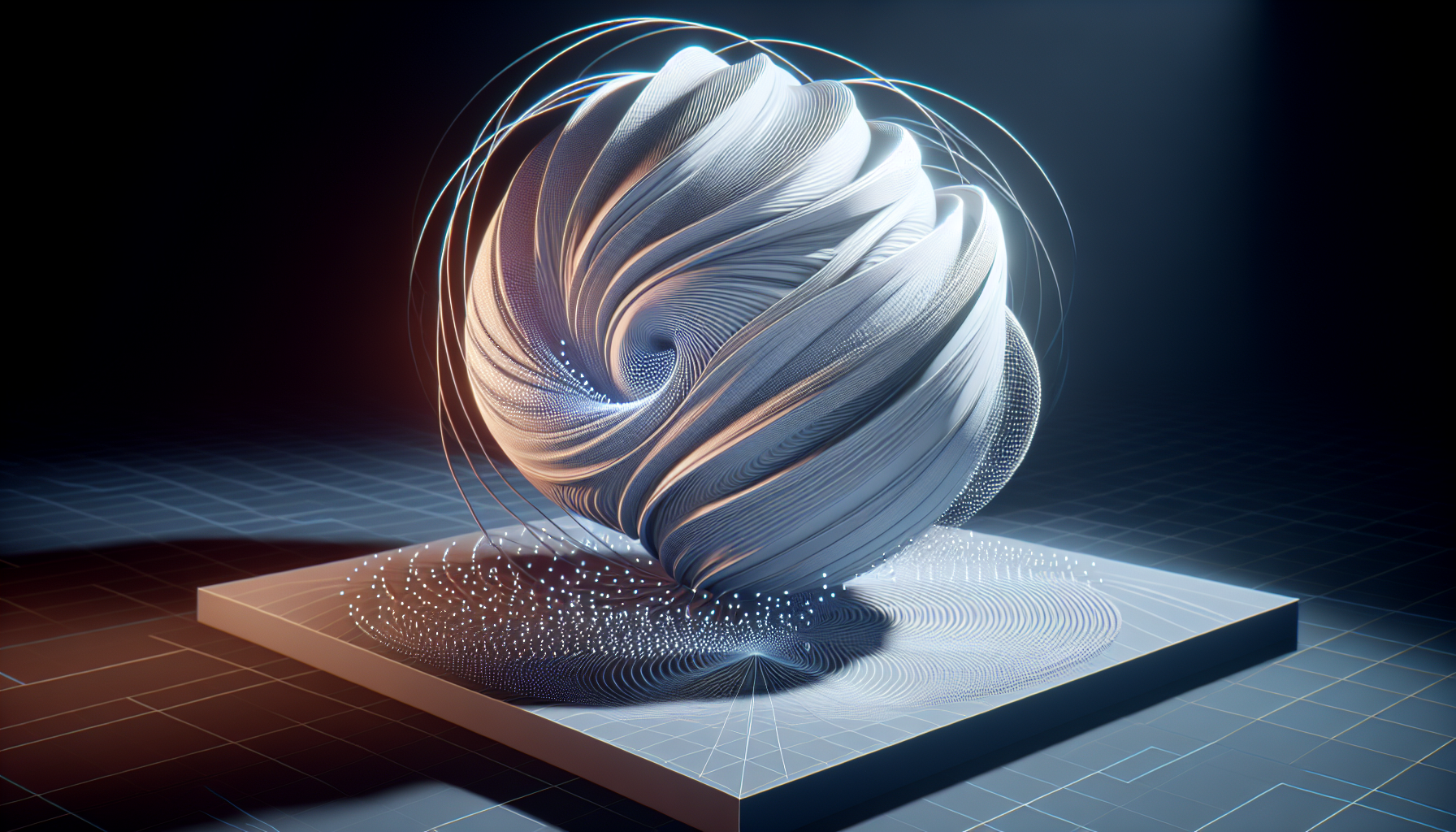
Welcome to the shadowy realm of Mesh Distance Fields in Unreal Engine 5, where your meshes gain the power of perception—kind of like giving them a sixth sense, but less about seeing dead people and more about understanding their own spatial boundaries. This feature might not make your game characters clairvoyant, but it sure helps them throw shadows and play with light in a way that would make any digital illusionist proud.
What on Earth is a Mesh Distance Field?
Picture this: each of your game’s characters and objects wrapped in an invisible, magical bubble that knows exactly how far away its surface is from any given point in 3D space. That’s essentially what Mesh Distance Fields are—volumetric representations that map the nearest surface of an object from every point within the bubble. This nifty trick lets Unreal do some pretty slick stuff with lighting and shadows, giving you visual effects that can dazzle even the most hard-to-impress gamer.
The Powers of Mesh Distance Fields
Here’s what unleashing the mystical prowess of Mesh Distance Fields allows you to do in Unreal Engine 5:
- Enhanced Shadows: They help produce soft, lifelike shadows that can make your in-game lighting as dramatic as a noir film on a rainy night.
- Ambient Occlusion: Watch as Mesh Distance Fields work their magic to calculate how light bounces around in nooks and crannies, providing a layer of depth and realism that makes everything look more grounded and less like it was slapped onto the scene.
- Collision Detection: Not just a pretty face, Mesh Distance Fields also aid in figuring out spatial relationships, which is a fancy way of saying they help keep objects from awkwardly clipping through each other.
How to Enable Mesh Distance Fields
Enabling Mesh Distance Fields isn’t some arcane ritual, though it might elevate your scenes to spellbinding heights. Here’s how to turn on this power:
- Open your Project Settings: Like flipping the secret switch in a haunted library, this is where all the cool hidden features live.
- Navigate to the ‘Rendering’ section: You’ll find a checkbox there for ‘Generate Mesh Distance Fields.’ Tick that box like you mean it.
- Restart the Editor: Good things come to those who wait (briefly) for their engine to reboot.
When to Use Mesh Distance Fields
- You’re a Detail Demon: If you’re the type who zooms in to adjust every pixel, Mesh Distance Fields will give you the control you crave to fine-tune those shadows and ambient occlusion to your heart’s content.
- Dynamic Lighting & Environments: Working on a scene with changing light conditions? Mesh Distance Fields dynamically adjust shadows and occlusion without needing to rebake lighting, keeping everything running smoother than a con artist in a card game.
- Performance Is Key: Despite their power, Mesh Distance Fields are surprisingly efficient. They offer a good balance between quality and performance, making them perfect for games where speed is just as important as visual splendor.
Tips for Using Mesh Distance Fields Like a Pro
- Adjust the Distance Field Resolution: This is like tuning a guitar; get it just right, and the results are music to the eyes. Too low, and your shadows might look as if they’re suffering from pixelitis.
- Combine with Other Techniques: Mesh Distance Fields are sociable creatures. Combine them with other Unreal features like Ray Tracing or Screen Space Reflections for even more impressive effects.
- Experiment: The only way to truly harness the power of Mesh Distance Fields is to experiment. Try them out on different types of objects and lighting setups to see how they can best serve your scene.
Wrapping Up
Mesh Distance Fields are one of those features in Unreal Engine 5 that can transform your projects from “meh” to “mesmerizing.” They don’t just add visual depth; they add a layer of interaction between your game’s light and geometry that can make all the difference. So go forth and give your models their magical bubbles. Who knows? They might just cast the perfect shadows to keep your players coming back for more.
