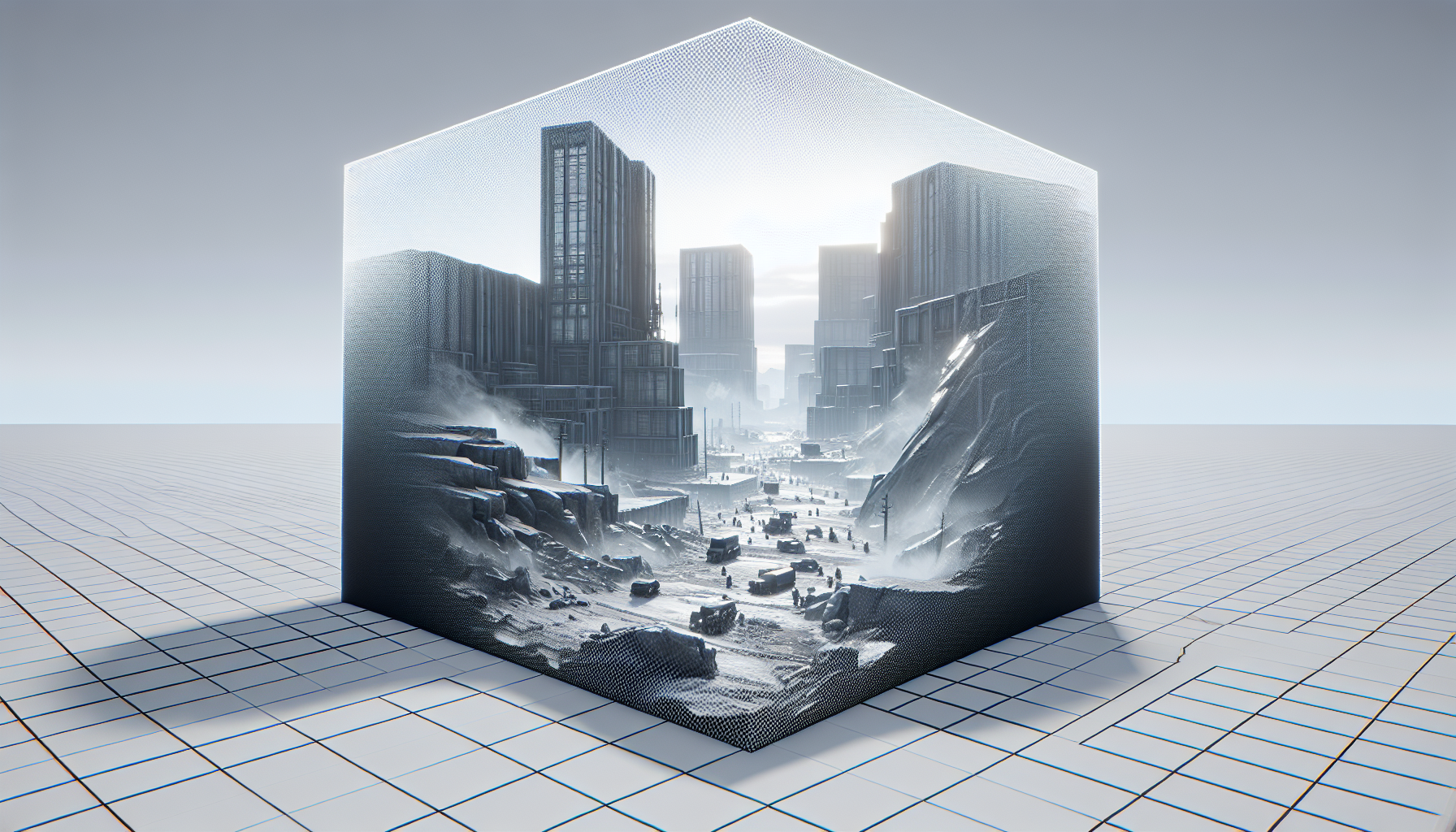
Welcome to the stealthy world of visibility and occlusion culling in Unreal Engine 5, where not everything that meets the eye needs to meet the GPU. This clever technique is all about efficiency—ensuring that your scene runs as smoothly as a cat burglar in a blackout by smartly managing which objects are rendered based on their visibility. Let’s dive into how you can optimize your project’s performance by effectively implementing culling strategies, making sure your engine only sweats the small stuff when it absolutely has to.
What are Visibility and Occlusion Culling?
Imagine you’re at a lavish theatre play but spend the entire show staring at the back of a massive pillar. Frustrating, right? Now imagine if your brain had to process every action on stage even though you can’t see it. That’s the problem visibility and occlusion culling solve in Unreal Engine 5—ensuring the rendering engine doesn’t waste resources drawing objects blocked by other objects (occluded) or out of the camera’s view (not visible).
The Mechanics of Culling
- Visibility Culling: Determines which objects are within the camera’s field of view and disregards anything outside this field. If it’s not in the camera’s line of sight, it’s not being processed.
- Occlusion Culling: Goes a step further by figuring out which objects are hidden behind others. If a massive building blocks a smaller mailbox from the player’s view, there’s no need to render the mailbox.
Setting Up Culling in Unreal Engine 5
- Configure Occlusion Culling Settings:
- Navigate to ‘Project Settings’ and find the ‘Engine - Rendering’ section. Here, you can adjust the Occlusion Culling settings. Useful parameters include the Occlusion Culling Distance, which dictates how far the engine should look to determine if an object should be culled.
- Use the Cull Distance Volume:
- Place a Cull Distance Volume in your scene from the ‘Volumes’ menu. This tool allows you to specify different culling distances for different objects based on their size, optimizing rendering work based on spatial coherence and object importance.
- Fine-Tune with Per-Actor Culling:
- For specific control, you can set culling options directly on individual actors in your scene. This is particularly useful for dynamic objects or those with special rendering requirements.
Best Practices for Effective Culling
- Balance is Key: While aggressive culling can improve performance, be mindful of potential popping artifacts (where objects suddenly appear or disappear). Find a balance that maintains performance without compromising the visual fluidity of your scene.
- Regularly Test Changes: Each change in your culling setup can significantly affect visuals and performance. Regular testing allows you to gauge impacts and adjust your strategies accordingly.
- Utilize Debugging Tools: Unreal Engine offers several visualization tools (like the ‘Freeze Rendering’ command) that help you see exactly what’s being culled at any moment. This can be invaluable for debugging complex scenes.
Advanced Culling Techniques
- Hardware Occlusion Queries: For dynamic scenes with lots of movement, consider using hardware occlusion queries. This method uses GPU power to dynamically decide if an object should be rendered, which can be more accurate in fast-paced environments.
- Level of Detail (LOD) Systems: Combine culling with LOD systems. As objects get further from the camera, not only can they be culled, but their complexity can be reduced, striking a perfect balance between performance and detail.
Conclusion: The Art of Invisible Efficiency
Visibility and occlusion culling in Unreal Engine are essential tools in the performance optimization toolkit. They help ensure that your projects are as efficient as they are stunning, without wasting precious computing resources on unseen elements. By mastering these techniques, you can significantly boost your project’s performance, making your environments not only beautiful but brilliantly responsive. So set up your culling, fine-tune those settings, and watch your scenes come to life with the most efficient rendering possible!
