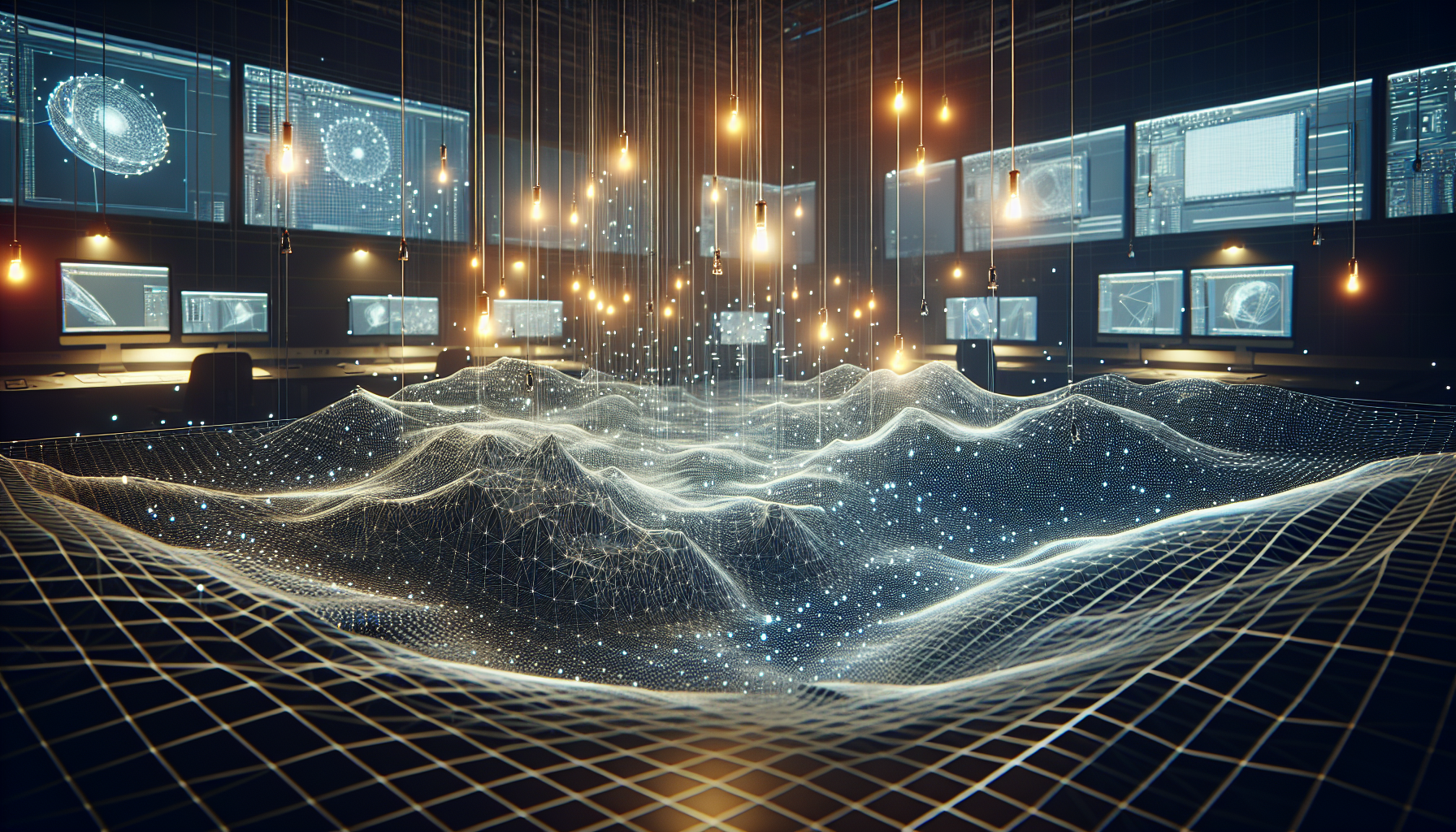
In the intricate dance of light and shadow that defines our virtual environments, every luminary needs a powerful tool to sculpt the interplay of photons and surfaces. Enter Volumetric Lightmaps, Unreal Engine’s advanced solution for enhancing indirect lighting within 3D scenes. These aren’t just your everyday lightmaps; they are the high-resolution, three-dimensional cousins that bring depth, realism, and a touch of magic to every corner of your digital realms. Let’s dive into the luminous world of Volumetric Lightmaps and discover how they can transform shadows into an artist’s canvas.
What Are Volumetric Lightmaps?
Imagine if every slice of space in your game could remember exactly how much light it should be receiving from every angle. That’s essentially what Volumetric Lightmaps do. They store lighting information in a three-dimensional grid throughout the scene, providing detailed data on how light interacts with the environment. This method allows for stunningly accurate indirect lighting, even in highly dynamic scenes where traditional lightmaps might fall short.
The Brilliance of Volumetric Lightmaps
1. Enhanced Indirect Lighting: Volumetric Lightmaps excel in capturing subtle light bounces off surfaces, filling scenes with rich, ambient light that reacts dynamically as objects move and environments change.
2. Greater Detail and Accuracy: Unlike traditional flat lightmaps, Volumetric Lightmaps provide lighting information in three dimensions, which means they can handle complex geometries and varying levels of detail more effectively.
3. Dynamic Object Integration: Dynamic objects benefit greatly from Volumetric Lightmaps as they can receive consistent indirect lighting based on their surroundings, making them blend seamlessly into pre-lit environments.
4. Efficient Performance: While they offer high detail, Volumetric Lightmaps are optimized for performance, ensuring that they don’t just make scenes look better—they do so without dragging down frame rates.
Setting Up Volumetric Lightmaps in Unreal Engine
Step 1: Enable Volumetric Lightmaps
- Begin by ensuring that Volumetric Lightmaps are enabled in your project settings. Navigate to the rendering settings and check the appropriate option to turn on Volumetric Lightmapping.
Step 2: Adjust Grid Settings
- Configure the Volumetric Lightmap grid settings based on the scale and detail level of your scene. A smaller grid captures more detail but uses more memory, so find a balance that suits your needs.
Step 3: Bake Your Scene
- With Volumetric Lightmaps, you need to bake your scene to calculate the indirect lighting. This process analyzes the scene’s geometry and materials, then fills the lightmap grid with data on how light should behave.
Step 4: Test and Optimize
- After baking, test how the lightmaps affect your scene, particularly how dynamic objects interact with static ones under indirect lighting. Adjust settings and rebake as necessary to achieve the best visual results with optimal performance.
Why Embrace Volumetric Lightmaps?
Realism: By providing accurate and detailed indirect lighting, Volumetric Lightmaps add a layer of realism to scenes that traditional lighting methods can’t match.
Consistency: These lightmaps ensure that both static and dynamic elements in your game share the same lighting conditions, maintaining visual consistency across your scenes.
Control: With fine-grained control over how lightmaps are applied and calculated, developers can tailor the lighting to specific artistic and technical needs.
Conclusion: Lighting the Way Forward
Volumetric Lightmaps represent a significant leap forward in the quest for realistic, dynamic lighting in virtual environments. By mastering this tool, developers can unlock new levels of detail and realism in their projects, creating worlds that feel alive and interactive. Whether you’re lighting a dense urban landscape or a secluded forest glade, Volumetric Lightmaps provide the tools to do it beautifully and efficiently, making them an essential part of any Unreal Engine artist’s toolkit.
So, light up your projects with Volumetric Lightmaps and watch as your digital worlds are bathed in realistic, dynamic light.
