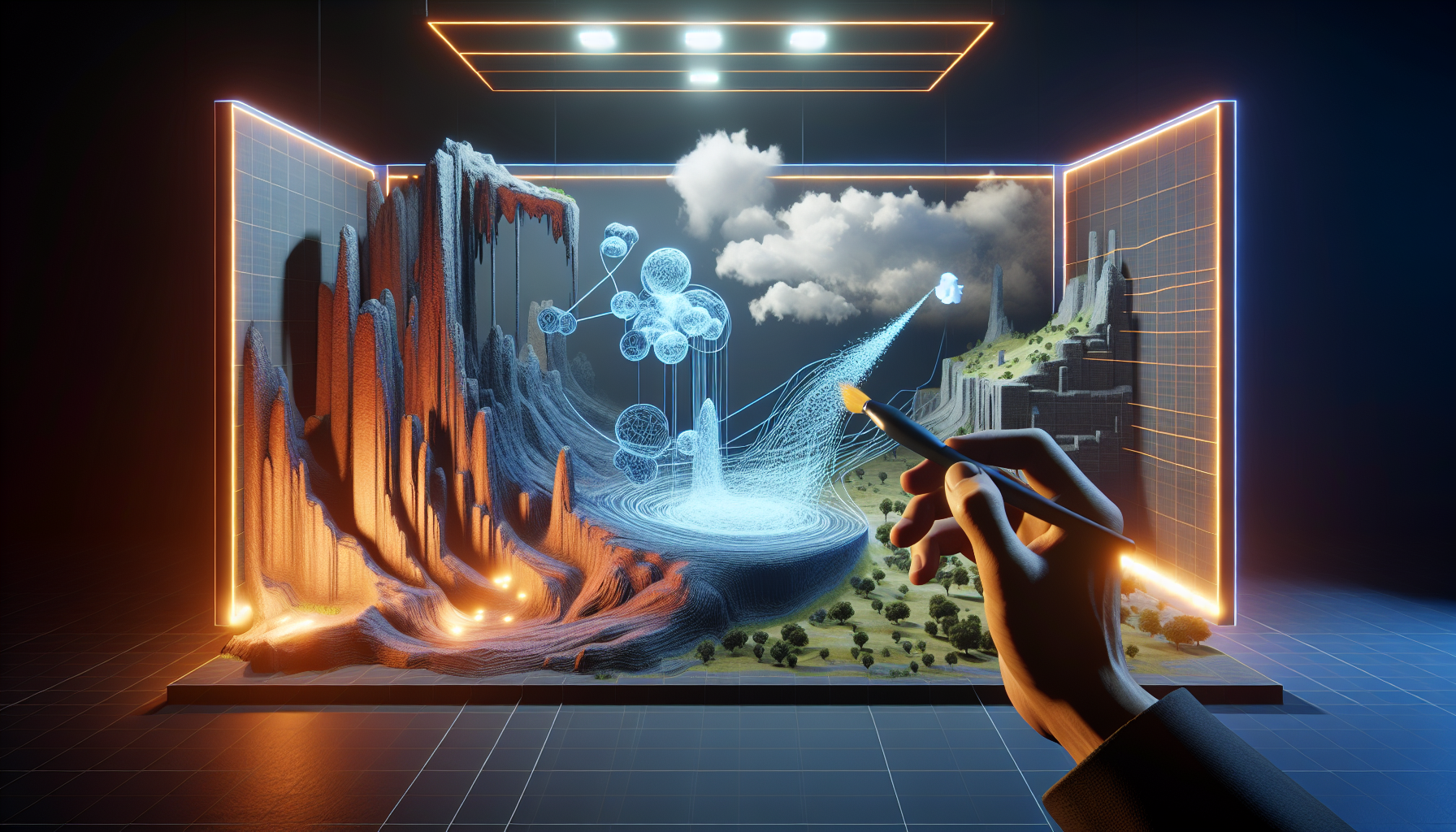
Welcome to another episode in the saga of Unreal Engine’s features, where today’s star is the often overlooked yet incredibly useful Geometry Brush Actor. These are not your ordinary actors; think of them more like the Swiss Army knives of the Unreal Engine toolkit. Whether you’re a seasoned developer or a newcomer just dipping your toes into the virtual waters of game design, mastering the art of Geometry Brush Actors can add a new layer of finesse to your projects.
What Are Geometry Brush Actors?
Geometry Brush Actors in Unreal Engine are akin to the sculpting tools of the digital world. They allow you to mold and shape your environment with the ease of a master sculptor, but without the mess of clay or the risk of chipping away too much marble. Need a hill here or a trench there? Don’t grab a shovel—grab a Geometry Brush Actor.
The Artistry of Geometry Brush Actors
Geometry Brush Actors are the silent heroes of environment design, seamlessly integrating into landscapes or architectural models to add depth, contours, and personality. Here’s how they shine:
- Terrain Sculpting Made Simple: With Geometry Brush Actors, creating complex terrain formations is as easy as pie (though, admittedly, less tasty). These tools let you push, pull, and twist your virtual landscapes into any shape you can imagine, from gentle rolling hills to stark, imposing cliffs.
- Architectural Elements on the Fly: Need to add a quick structural element to your scene? Geometry Brush Actors are perfect for creating basic architectural forms like walls, arches, or barriers without needing to switch to a separate modeling program.
- Dynamic Scene Adjustments: Because they are integrated directly within Unreal Engine, adjustments made with Geometry Brush Actors are instantly visible and can be manipulated in real-time. This means you can tweak and refine your designs on the fly, a major plus in the fast-paced world of game development.
Best Practices for Using Geometry Brush Actors
While Geometry Brush Actors are incredibly versatile, they are best used with a strategy in mind:
- Use as a Starting Point: Think of Geometry Brush Actors as your sketching tools. Use them to block out and define major environmental elements, but don’t rely on them for high-detail modeling. They set the stage for more detailed assets that you’ll add later.
- Keep Performance in Mind: While it’s tempting to go wild shaping your world, remember that each modification can impact game performance. Use these tools judiciously, and always keep an eye on how changes affect your scene’s complexity and load times.
- Combine with Other Tools: For best results, use Geometry Brush Actors in conjunction with other Unreal Engine features. For instance, after creating a basic shape with a Geometry Brush, you might use materials and textures to add realism or blend the forms into the surrounding environment.
The Sculptor’s Caveat
As mighty as they are, Geometry Brush Actors are not the end-all tool for every modeling need. They excel in environment design and basic geometrical forms but might fall short in creating intricate models or highly detailed sculptures. For those tasks, you might need to turn to dedicated 3D modeling software.
Conclusion: Embracing the Brush
In the vast toolset of Unreal Engine, Geometry Brush Actors stand out for their simplicity and effectiveness in shaping virtual worlds. Whether you’re crafting a new game environment or tweaking an architectural visualization, these tools offer a straightforward and powerful way to bring your creative visions to life. So next time you load up Unreal Engine, consider giving the Geometry Brush Actors a spin. Who knows what landscapes you might carve out in your digital playground?
