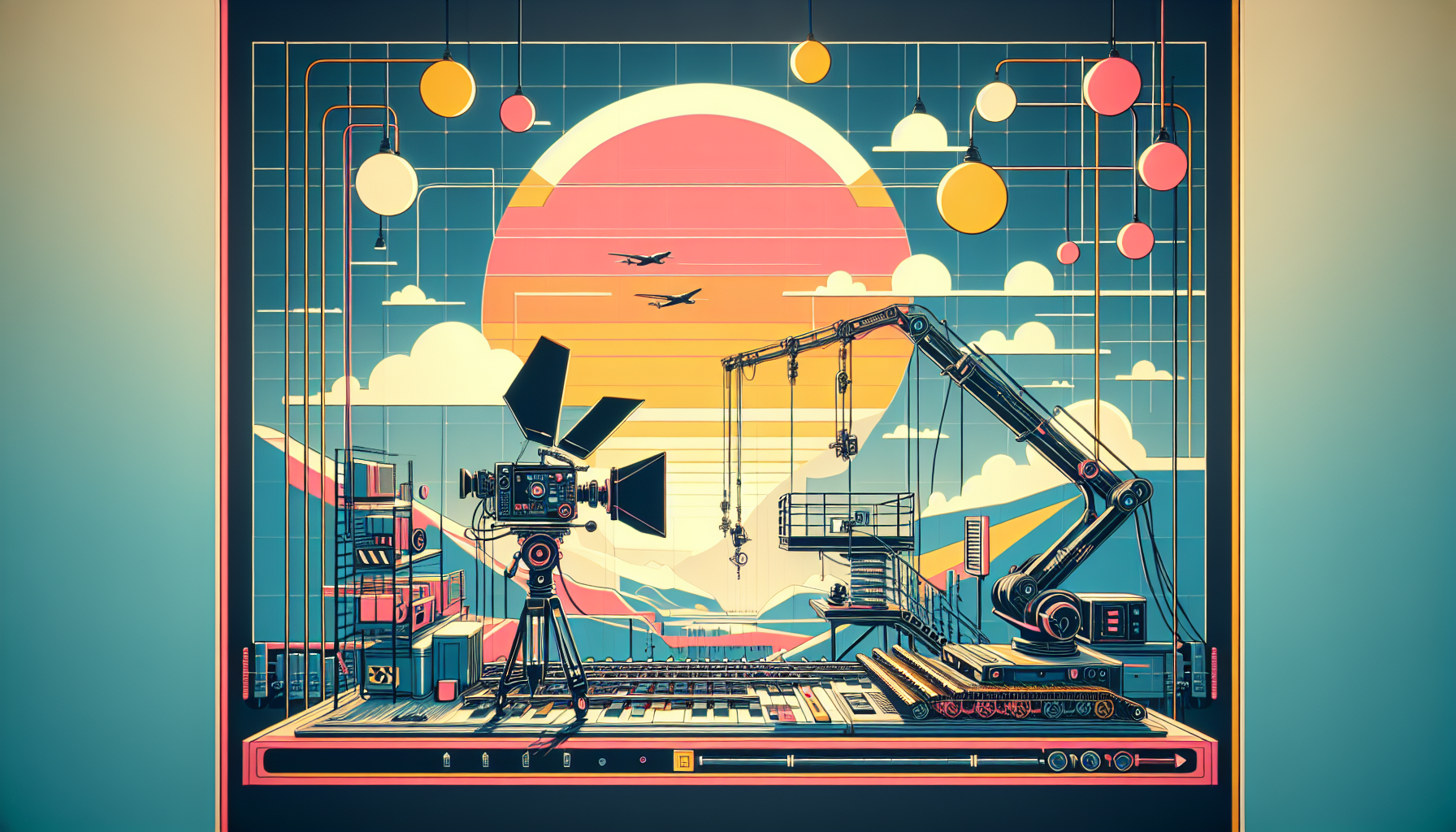
In the intricate dance of digital filmmaking within Unreal Engine, where every scene is a canvas and every movement tells a story, mastering tools like the camera rig and camera crane becomes essential. These tools are not merely functional; they are the conduits through which vision becomes visual, transforming abstract ideas into concrete visuals that captivate and engage. Let’s delve into how we can harness the power of the camera rig and crane in Unreal Engine, ensuring your cinematic ventures are as dynamic and compelling as envisioned.
Understanding the Camera Rig and Crane
In the realm of Unreal Engine, the camera rig and crane function much like their real-world counterparts on a film set, offering precision and flexibility to capture shots that are dynamic and dramatic.
- Camera Rig: Think of the camera rig as your film set’s Swiss Army knife. It’s a versatile setup that can be adapted for various types of camera movements, from smooth tracking shots to complex arcs and swoops. In Unreal Engine, a camera rig often refers to a setup that includes virtual tracks, dollies, and sometimes even automated motion patterns.
- Camera Crane: The camera crane is all about grandeur and scale. It extends the camera’s reach, allowing you to achieve high sweeping shots that add a dramatic flair to your scenes. It simulates the effect of a physical crane, giving you the ability to move the camera vertically and horizontally with a stability that’s hard to achieve manually.
Setting Up the Camera Rig and Crane in Unreal Engine
1. Camera Rig Setup:
- Choose the Right Rig: Start by selecting a camera rig that suits your shot’s needs. Unreal Engine offers various predefined rigs like the Rail Rig for smooth tracking shots along a predetermined path.
- Position the Rig: Place your camera rig in the scene. Adjust its path or configuration based on the specifics of the shot you are aiming to capture. This might involve extending tracks, setting up dolly paths, or positioning pivot points for arcs.
- Attach Your Camera: Link your camera to the rig. In Unreal Engine, this often means parenting the camera to the rig so that it moves smoothly along with the rig’s predefined path or adjustments.
2. Camera Crane Setup:
- Deploy the Crane: Place the Camera Crane in your scene. Position it strategically based on the height and range of the shot you intend to capture.
- Adjust Height and Arm Length: Modify the crane’s height and arm length to get the desired shot angle and coverage. This setup mimics adjusting a real crane on a film set, providing you with a wide range of vertical and horizontal movement.
- Fine-Tune the Camera: Once your crane is positioned, fine-tune the camera’s orientation. Ensure it is pointing at the right subject or area, adjusting tilt, pan, and roll as necessary.
Tips for Effective Use
- Preview and Test: Always preview and test your camera movements before finalizing the shot. Unreal Engine’s real-time rendering allows you to see the results immediately, making it easier to adjust on the fly.
- Animate for Extra Dynamics: For both rigs and cranes, consider animating the camera’s movements using keyframes within the Sequencer. This adds an element of control and dynamism, allowing for smooth transitions and complex motion patterns.
- Leverage Cinematic Viewport: Use the Cinematic Viewport to get a director’s view of your scene, which can help in visualizing the final output as you adjust the rig and crane.
Conclusion: Your Virtual Film Crew
In Unreal Engine, the camera rig and crane are more than just tools; they are your virtual film crew, ready to execute your directorial vision with precision. By mastering these setups, you unlock new dimensions of storytelling, enabling shots that are not only technically impressive but also emotionally resonant. Whether it’s a sweeping vista that sets the stage for an epic adventure or a delicate tracking shot that reveals a character’s intimate moment, how you direct these tools shapes the narrative you tell.
So, take the reins, direct with confidence, and let every camera move be a brushstroke in the masterpiece that is your project.
