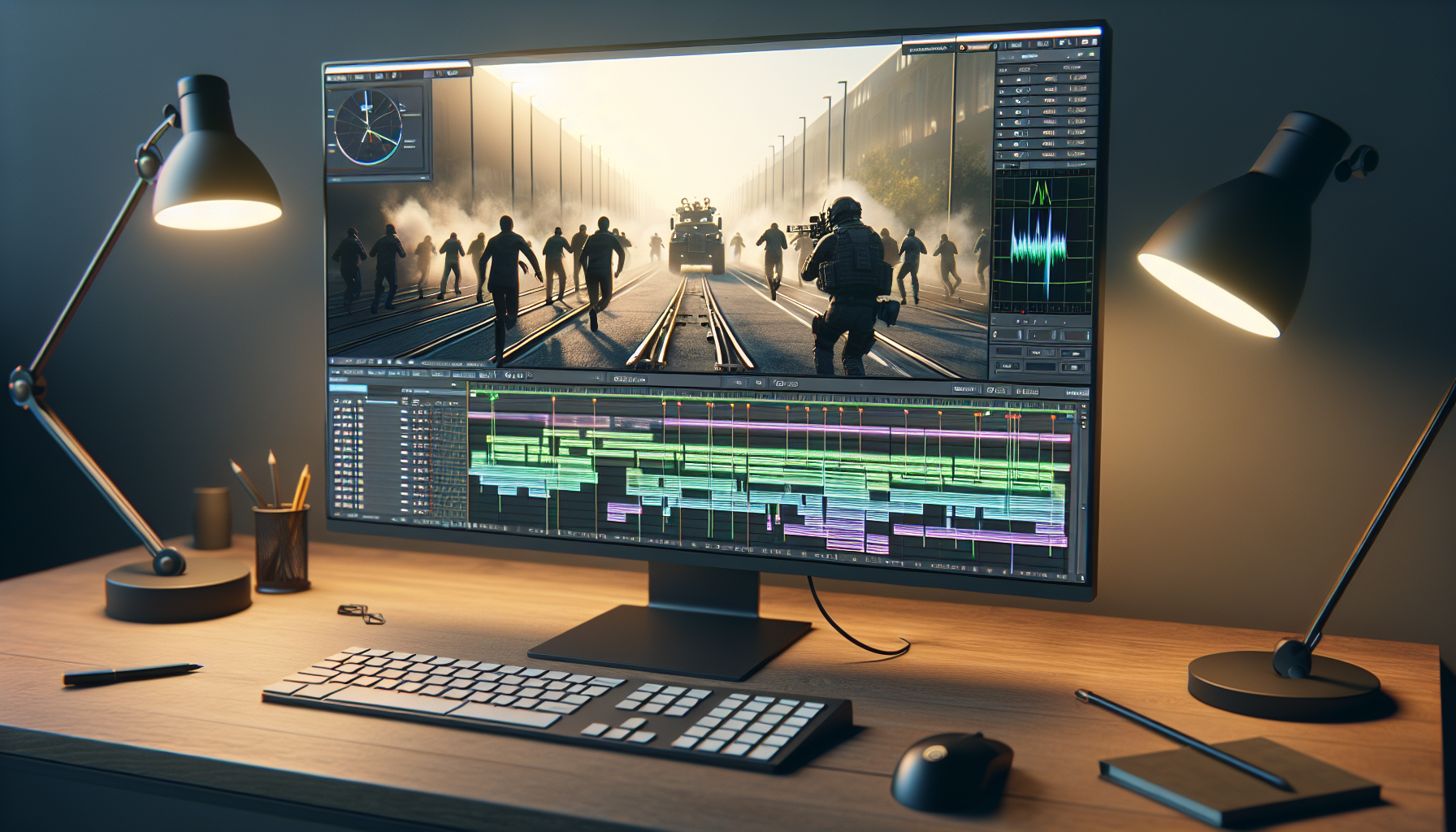
Welcome to the director’s chair, where the magic of cinematic cuts in Unreal Engine turns game developers into Spielberg-esque figures. Today, we’re diving into how to wield the mighty Sequencer to slice, dice, and splice your cinematic visions into reality. Fasten your seatbelts; it’s going to be a fabulous ride through the world of camera cuts.
The Spotlight on Sequencer
Sequencer isn’t just a tool; it’s the multi-track editor that brings your game’s silent stories to life, turning static scenes into dynamic spectacles. Think of Sequencer as your digital film studio, where every track, from cameras to characters, can be manipulated with the precision of a Hollywood editor.
Setting the Scene: Creating Camera Cuts
Camera cuts are the bread and butter of any cinematic sequence, essential for guiding the player’s gaze and enhancing narrative flow. Here’s how you unravel the magic with Sequencer:
- Launch Your Sequencer:
- Create a new Level Sequence in the Sequencer. This is your canvas where all the magic happens. Name it something you’ll remember; “Epic Chase Scene” sounds about right!
- Set Your Stage:
- Drag and drop your actors into the Sequencer. These could be anything from your protagonist to a looming antagonist, or even a benign bystander.
- Summon Your Cameras:
- For each cut you envision, create a camera in Sequencer. Each camera will capture a different angle or part of the action. Think of yourself as setting up shots for a movie. One camera might capture the hero’s determined face, another the villain’s sneaky movements.
- Create Camera Cuts:
- Use the Camera Cuts track to switch between cameras. It’s like telling the audience, “Look here! Now, look there!” Each cut shifts the viewpoint, creating a dynamic flow and building tension or drama.
- Animate Your Cuts:
- Timing is key. Adjust when each camera cut happens by moving them along the timeline. It’s like conducting an orchestra; each instrument (or camera) needs to come in at the right moment to create a harmonious symphony.
Directing the Action: Tips for Effective Camera Cuts
- Plan Your Shots: Before you even open Sequencer, sketch out your scene. What’s the key action? Where should the viewer focus? Planning prevents chaotic, confusing cuts.
- Smooth Transitions: Abrupt cuts can be jarring. Use transitions or have overlapping actions to smooth the visual flow. It’s like easing into a cold pool—one step at a time.
- Vary Your Angles: Don’t just stick to one type of shot. Mix wide shots with close-ups to keep the audience engaged and give depth to your storytelling.
- Test and Iterate: What looks good in the storyboard might not translate perfectly in-game. Play through your cuts, feel the pacing, and adjust as needed.
Why It All Matters
Camera cuts in Sequencer aren’t just about showing different angles; they’re about crafting a visual story that players can feel and follow. Each cut guides your audience, builds suspense, reveals truths, and enhances gameplay. It’s not just about what you show, but how and when you show it.
Closing Credits: Embrace Your Inner Director
By mastering camera cuts in Unreal Engine’s Sequencer, you transform from a game developer into a film director, where every scene is a chance to captivate and thrill.
So grab your digital camera and start cutting—it’s your story, tell it with style!
